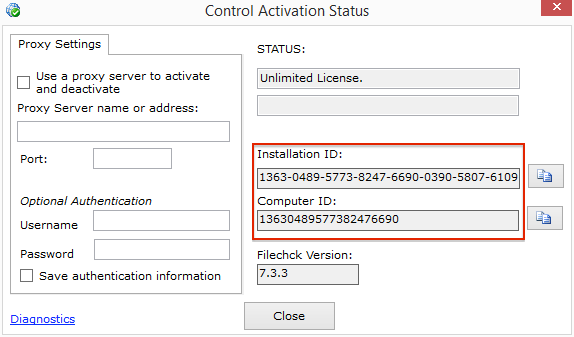

The computer ID can be used to keep track of which machine a license is activated to. 1. Start the Imatest License Manager 2. Click the [ ? ] button in the top right corner 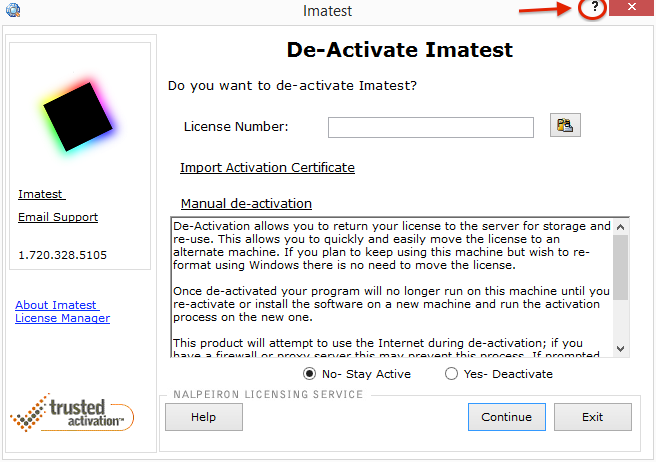
3. Computer ID and Installation ID will be visible in the window that opens