

Primary Image Quality Factors
 Sharpness
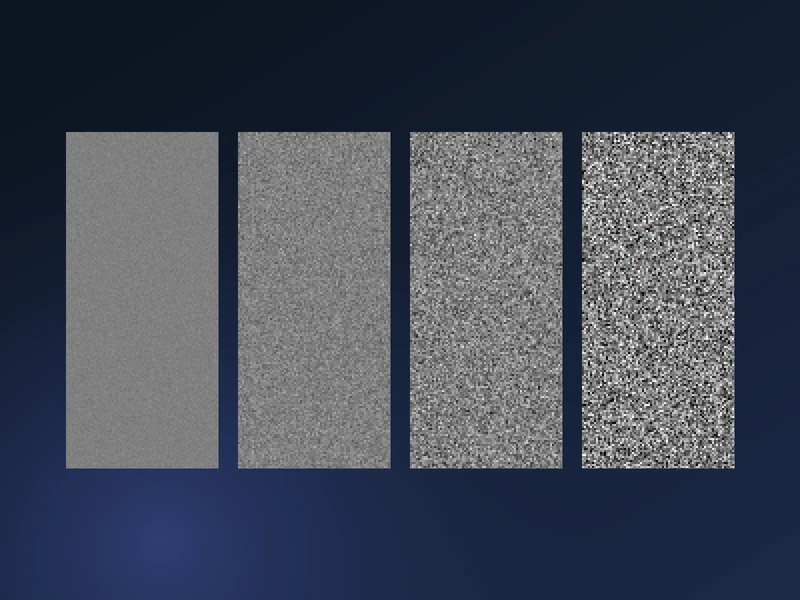 Noise
Noise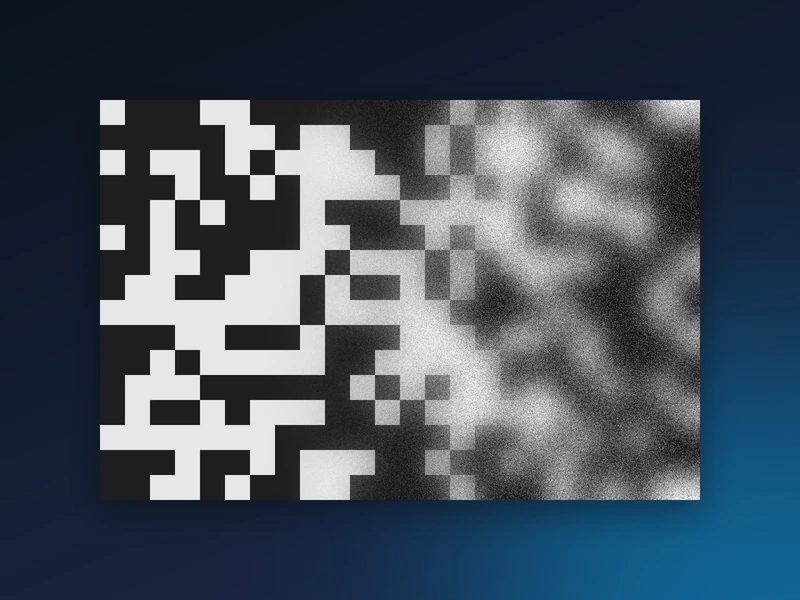 Information
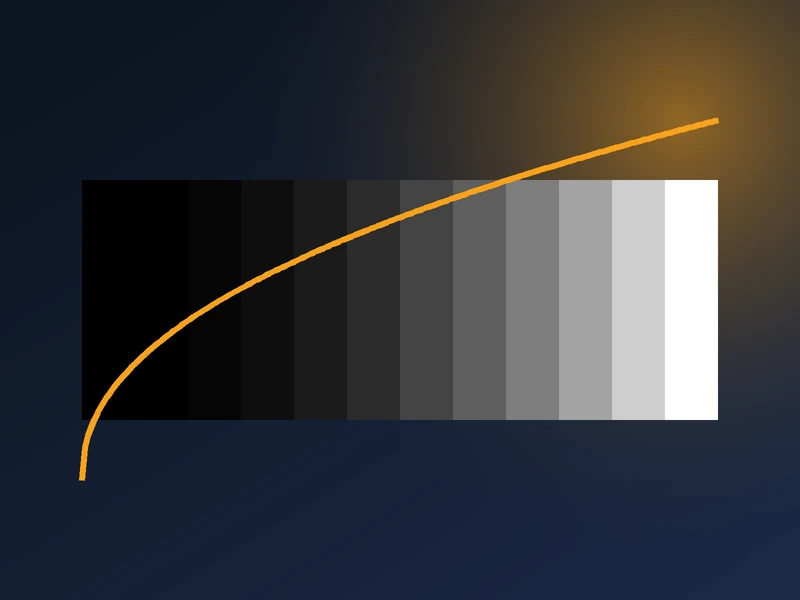 Dynamic Range
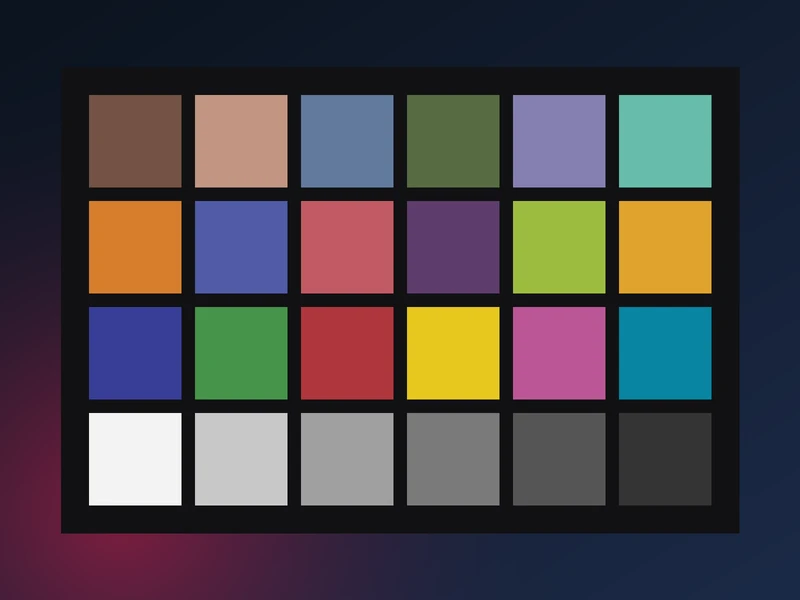 Color Accuracy
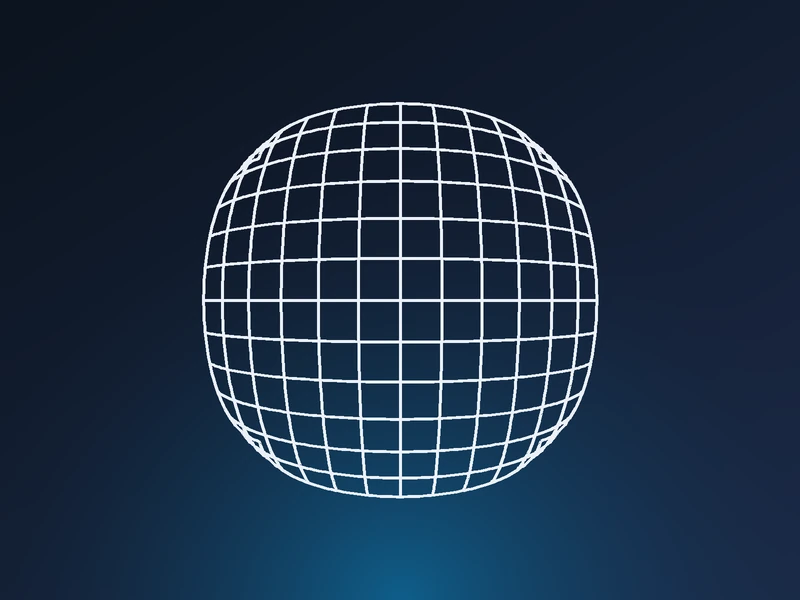 Distortion
 Uniformity
 Blemishes
 Stray Light (Flare)
 Texture
Secondary Image Quality Factors
Image Quality Factor Video Series
Overview of image quality and Imatest measurements
Image quality is one of those concepts that's greater than the sum of its parts. But you can't ignore the parts if your goal is to produce images of the highest quality. Every image quality factor counts.
This page introduces the key image quality factors and briefly describes how Imatest™ measures them— with links to detailed pages. It is a guide to Imatest organized by image quality factors. Other guides include the Tour (organized by module) and Imatest documentation (the Table of Contents).
To illustrate the quality factors, we use this early morning image of Monument Valley from Hunt's Mesa, near the Arizona-Utah border.
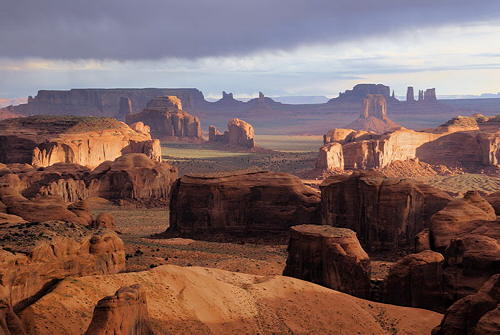
Image quality measurements are affected by the
- Lens — Imatest cannot measure lenses by themselves, but lenses can be effectively compared to one another using a single camera body with consistent image processing settings.
- Sensor — Imatest can measure the performance of the Lens+sensor from minimally-processed RAW images if they are available. Sharpness, distortion, vignetting, Lateral Chromatic Aberration, noise, and dynamic range are the principal factors that can be measured at this stage. Most of these measurements can be clearly classified as good/bad.
- Image processing pipeline— typically includes demosaicing, color correction, white balance, application of gamma and tonal response curves, sharpening, and noise reduction. Measured from the image delivered to the user (such as in-camera JPEG images). Additional image quality factors include tonal response (contrast, etc.), color response, and many others. The output of the pipeline may be compared to the minimally-processed lens+sensor measurements.The effect of the pipeline on subjective image quality can be highly scene- and application-dependent, making it difficult to assign "good" or "bad" rankings. Imatest results for these factors need to be interpreted carefully. Examples:
- Higher contrast images often score higher in visual quality assessment tests, but high contrast can cause clipping (visible as burnt-out highlights) in contrasty (often sunlit) scenes. Tonal response curves with "shoulders" can help. See Color/Tone.
- Most consumers find accurate color to be boring, so camera manufacturers "enhance" colors in a number of ways, such as boosting chroma. See Color/Tone.
- Most consumers dislike noisy images, but software noise reduction (typically lowpass filtering in areas that lack contrasty features) can remove fine texture, resulting in a cartoon-like "plastic" skin appearance. See Log F-Contrast and Random/Dead Leaves.
Summary table
This table summarizes the image quality factors and links to pages where they are described in detail. For details on purchasing most of these charts see: Test Targets
| Quality factor | Chart | Module | Comments |
| Blemishes, Sensor defects | Plain, uniformly-illuminated surface (flat field) |
Flatfield | Can be displayed on flat screen monitor with Screen Patterns and opal diffusing glass. |
| Color accuracy | X-Rite ColorChecker (24-patch) | Color/Tone, Multitest | |
| IT8.7 | Color/Tone, Multitest | ||
| ColorChecker SG, general mxn grids, and many other charts | Color/Tone, Multitest | ||
| Dynamic range (DR), Tonal response, Contrast |
Grayscale step charts | Color/Tone, Multitest | Transmission charts such as the Imatest 36-Patch Dynamic Range chart or the Stouffer T4110 recommended for DR. Algorithm |
| Reflective step charts (also works with transmissive charts) | Dynamic Range | Postprocessor for Multitest. Calculates DR by combining several analyses at different exposures. Doesn't require a transmission chart. | |
| Special charts: ISO-16067-1, QA-62, EIA Grayscale, ISO-14524 OECF, ISO-15739 Noise |
Color/Tone, Multitest | ||
| ColorChecker, ColorChecker SG, IT8.7, Step Charts | Color/Tone, Multitest | ||
| SFRplus, ISO 12233:2014 E-SFR | SFRplus, eSFR ISO | SFRplus does not measure DR. eSFR ISO measures ISO 15739 DR. Highly automated. Measures several factors. | |
| Exposure accuracy | Step charts (reflective) | Color/Tone, Multitest | |
| X-Rite ColorChecker | Color/Tone, Multitest | ||
| ISO Sensitivity (closely related to Exposure Index) |
Step charts | Color/Tone | Two ISO sensitivity measurements are displayed when incident light (lux) is entered. Details in ISO Sensitivity and Exposure Index |
| Various color and step charts | Color/Tone, Multitest | ||
| SFRplus | SFRplus | ||
| X-Rite ColorChecker | Color/Tone, Multitest | ||
| Lateral chromatic aberration | Slanted edge, ISO 12233 charts | SFR | Note [1] |
| SFRplus, ISO 12233:2014 E-SFR, Checkerboard | SFRplus, eSFR ISO, SFRreg, Checkerboard | Note [1] | |
| Dot pattern | Dot Pattern | Note [1] | |
| Lens distortion | Checkerboard | Distortion, Checkerboard | Printable by Test Charts or displayed on LCD flat screen monitor with Screen Patterns. |
| SFRplus, ISO 12233:2014 E-SFR | SFRplus, eSFR ISO | Highly automated. Measures several factors. Results in the Image & Geometry display. | |
| Dot pattern | Dot Pattern | ||
| Light falloff, vignetting | Plain, uniformly-illuminated surface | Flatfield | Can be displayed on flat screen monitor with Screen Patterns. Opal diffusing glass recommended. |
| Noise | Step charts | Color/Tone | |
| X-Rite ColorChecker | Color/Tone | ||
| SFRplus | SFRplus | Measures flat areas near slanted-edges. Best with low (4:1) contrast charts. | |
| eSFR ISO | eSFR ISO | Measures noise from grayscale surrounding center of chart. | |
| Wide variety of grayscale stepcharts and color charts | Color/Tone | Works with a large variety of grayscale and color charts if patches are large enough. Can measure sensor (raw) noise. | |
| Sharpness (MTF) | Slanted-edge, ISO 12233 | SFR, Rescharts |
Edges printable by Test Charts. Algorithm |
| SFRplus, eSFR ISO, SFRreg, Checkerboard | SFRplus, eSFR ISO, SFRreg, Checkerboard | Highly automated. Measures several factors. | |
| Other charts: Star, Spilled Coins, Wedge, etc. | Rescharts, Star, Log F-C, Random, Wedge... | Both interactive and fixed modules. Each responds differently to signal processing. | |
| Texture detail | Log F-Contrast, Spilled Coins (Dead Leaves) | Log F-Contrast Random/Dead Leaves |
|
| Stray Light (Flare) | Reflective Q-13 or Q-14 step chart with "black hole" | Color/Tone | See Veiling Glare. |
| Color moiré | Log Frequency | Log Frequency, Wedge | |
| Artifacts | Log F-Contrast Any arbitrary image |
Log F-Contrast SSIM |
Note [1] SSIM measures degradation due to image processing (primarily compression) by comparing two images: reference and processed. |
Notes: [1] Can be printed from Test charts, but we recommend purchasing Imatest Test Targets.
Other Resources
The RIT Center for Imaging Science has done some excellent work, but links that used to be on their site are hard to find. Some missing links: Direct Digital Image Capture of Cultural Heritage from RIT is a gold mine of information. Links to a number of reports on image quality targeted at museums and cultural institutions. The 78-page Final Project Report by Berns, Frey, Rosen, Smoyer and Taplin, July 2005, is probably the best summary unless you have time for Erin P (Murphy) Smoyer's 345 page Master's thesis (about twice the length of the average Ph.D. thesis).
The Research Library Group (RLG) has some useful documents such as Guides to Quality in Visual Resource Imaging (2000). These articles are the predecessors to the above-mentioned RIT Direct Digital Image Capture work.
Paul van Walree has an excellent page on Optics, covering several sources of degradation.
The University of Texas Laboratory for Image & Video Engineering is doing some interesting work on image and video quality assessment, which approaches the problem using information theory, natural scene statistics, wavelets, etc. Challenging material!
Details of several Imatest algorithms are included in Appendix C, Video Acquisition Measurement Methods (pp. 91-125), of the Public Safety SoR (Statement of Requirements) volume II v 1.0, released by SAFECOM, prepared by ITS (a division of NTIA, U.S. Department of Commerce). No credit is given, but the style and illustrations will be recognizable.