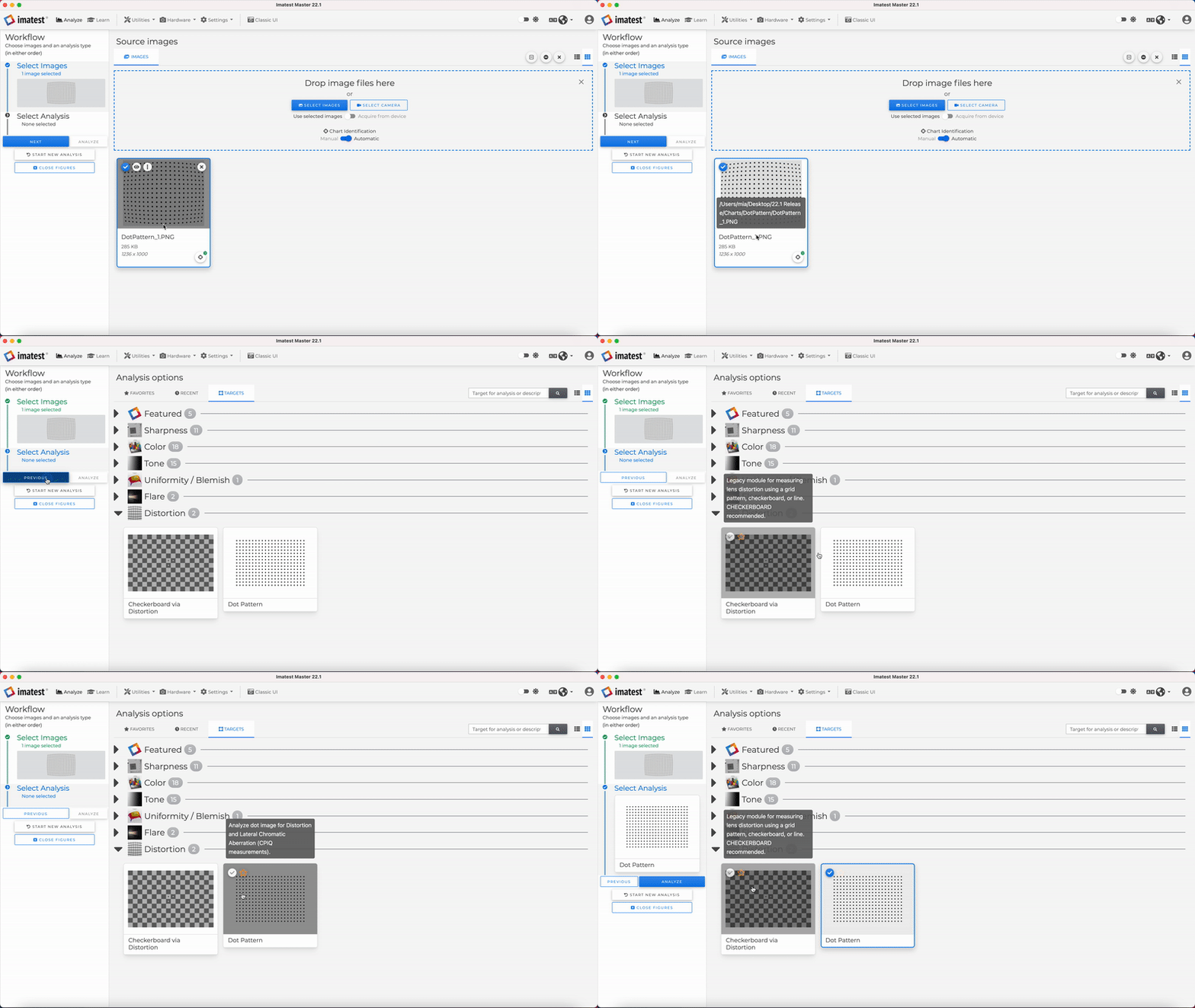

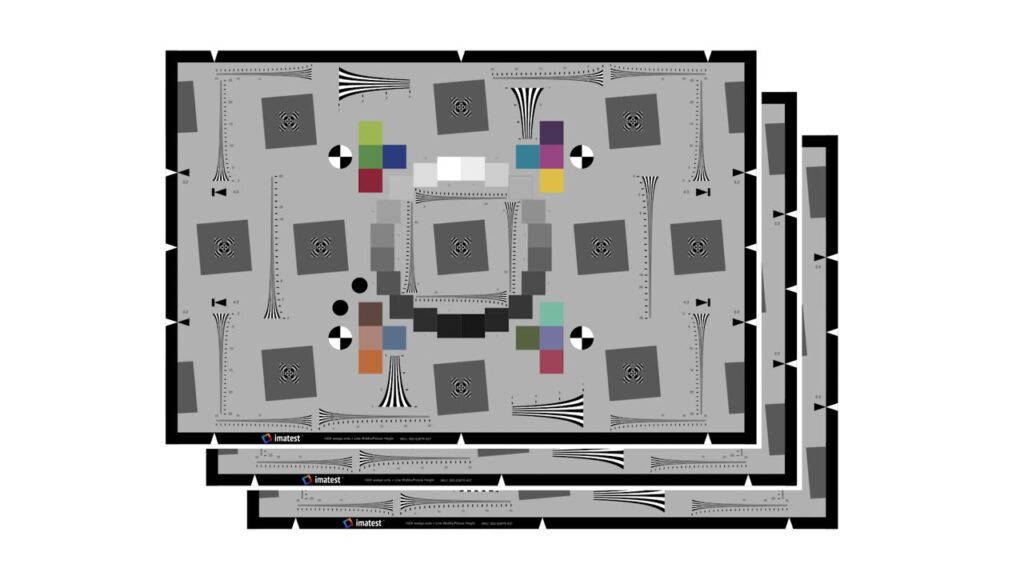
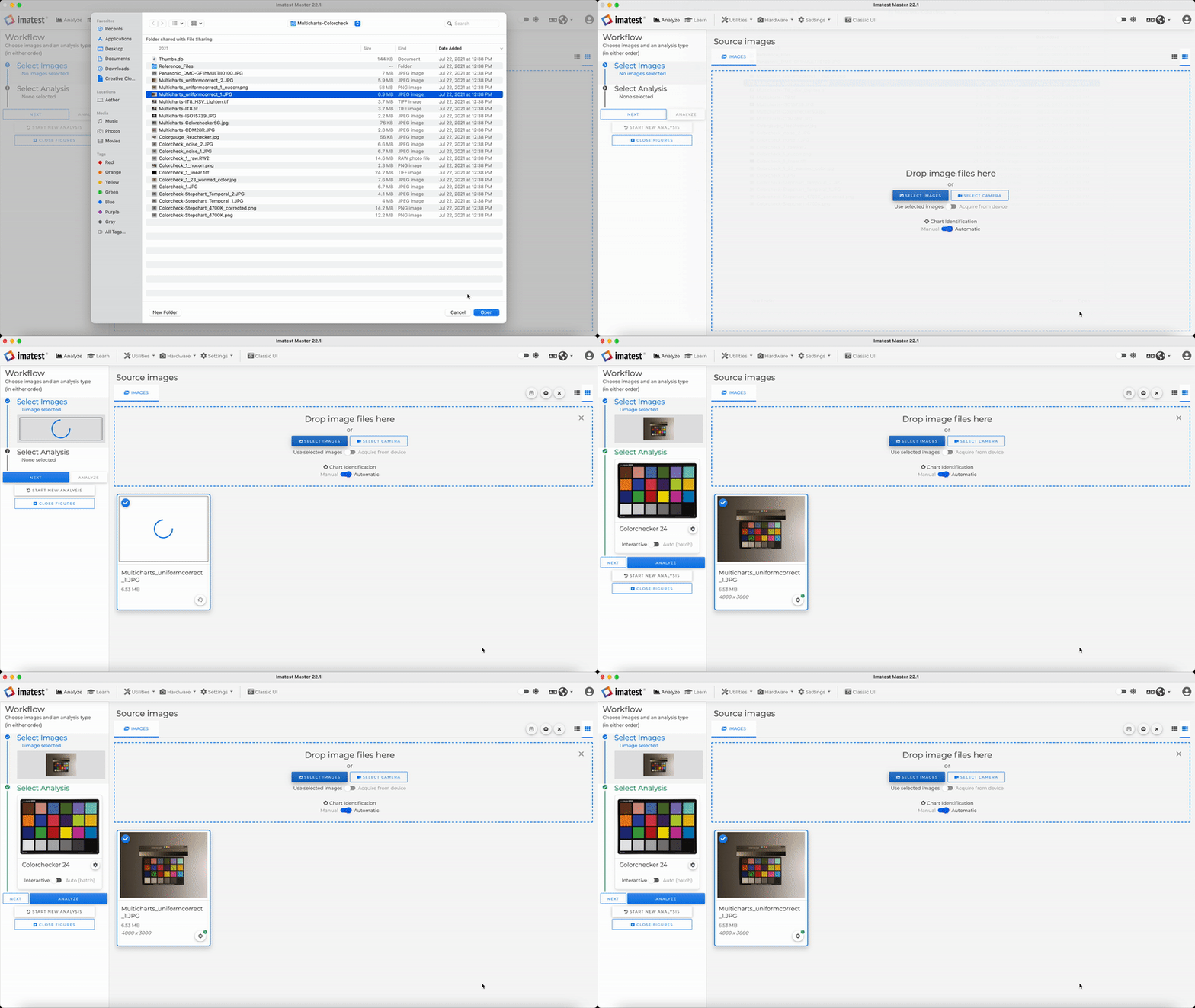
Automatic Chart Identification
The new automatic chart identification feature automatically identifies the chart type upon uploading an image. This is advantageous for working with large amounts of images, as it allows users to expedite the analysis options tab. In addition, this feature may help those who are new to the software or are unfamiliar with our charts.
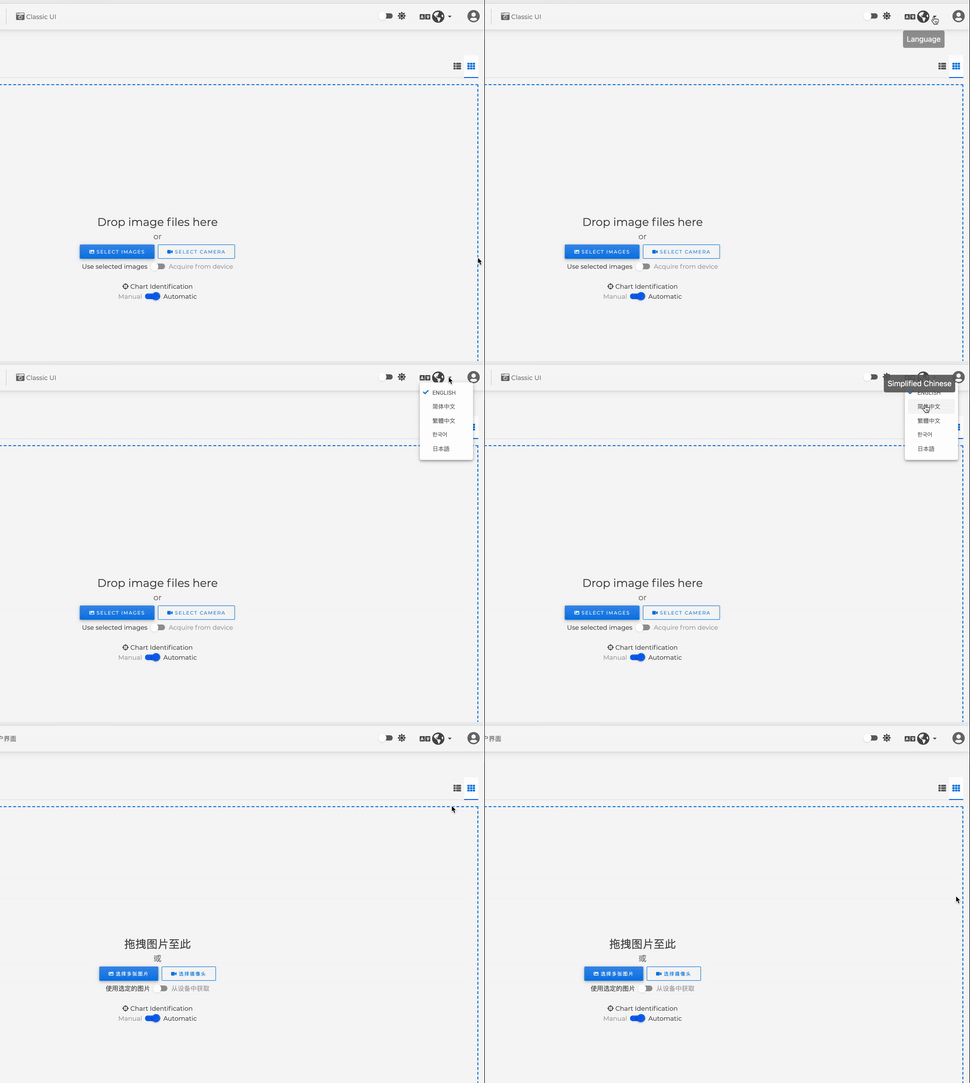
Internationalization
Imatest version 22.1 features internationalization of the main window. We’ve added a dropdown where users can choose between 5 languages to display in the main window. Languages include English, Traditional Chinese, Simplified Chinese, Korean, and Japanese.
Slanted edge sharpness support for ISO 12233 standards
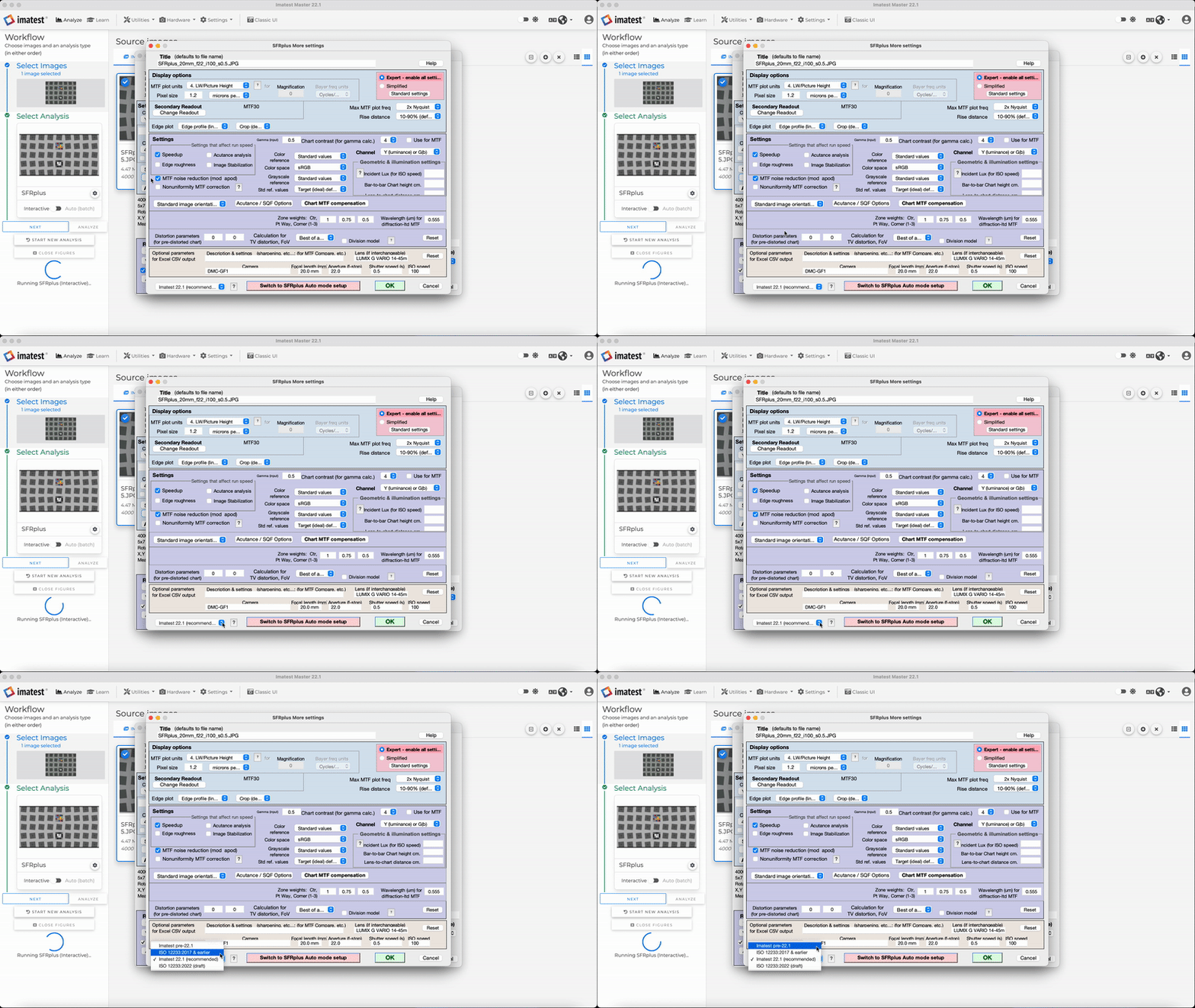
Imatest 22.1 release includes SFR settings options to support forthcoming IEEE P2020 and ISO-12233 standards. There are two new options that can be used for SFR Settings to control the Edge SFR Algorithm: Imatest 22.1 (recommended), and ISO 12233:2022 (draft). Both options utilize the Tukey window and 5th order polynomial fitting for accurate results.
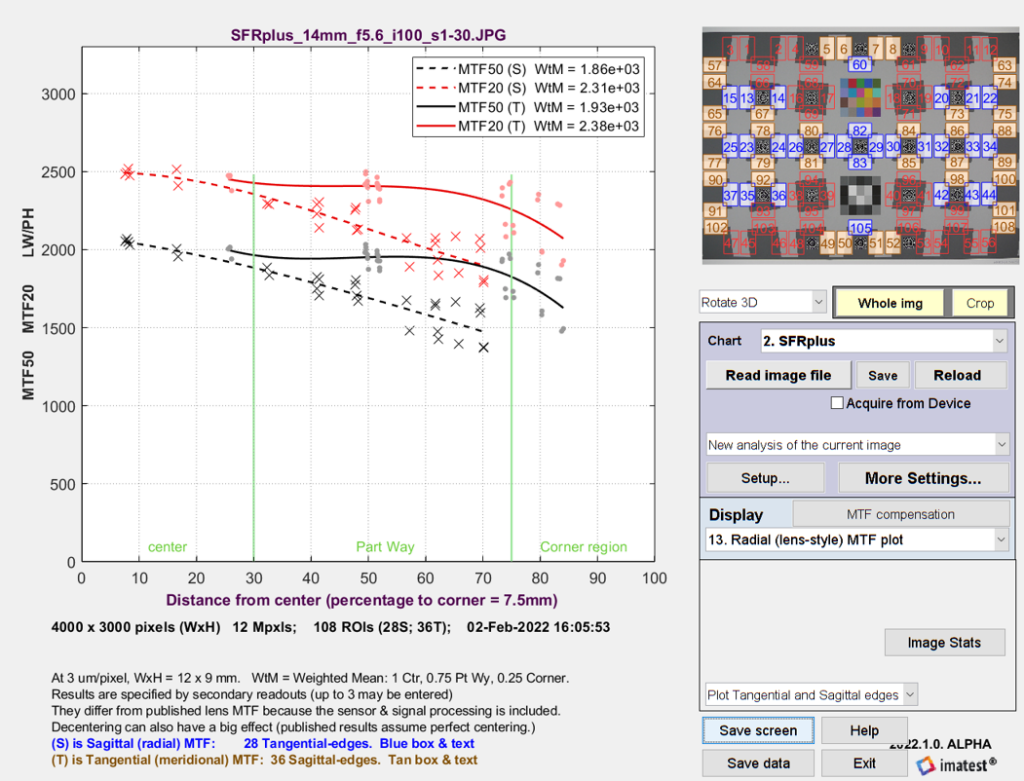
Sagittal/tangential MTF addition to the Radial (lens-style) MTF plot
Imatest 22.1 features improved Radial MTF plot with sagittal/tangential MTF data. This upgraded feature is compatible with a multitude of charts, including SFRplus, SFRreg, eSFRiso, and Checkerboard.
FocusField Postprocessor
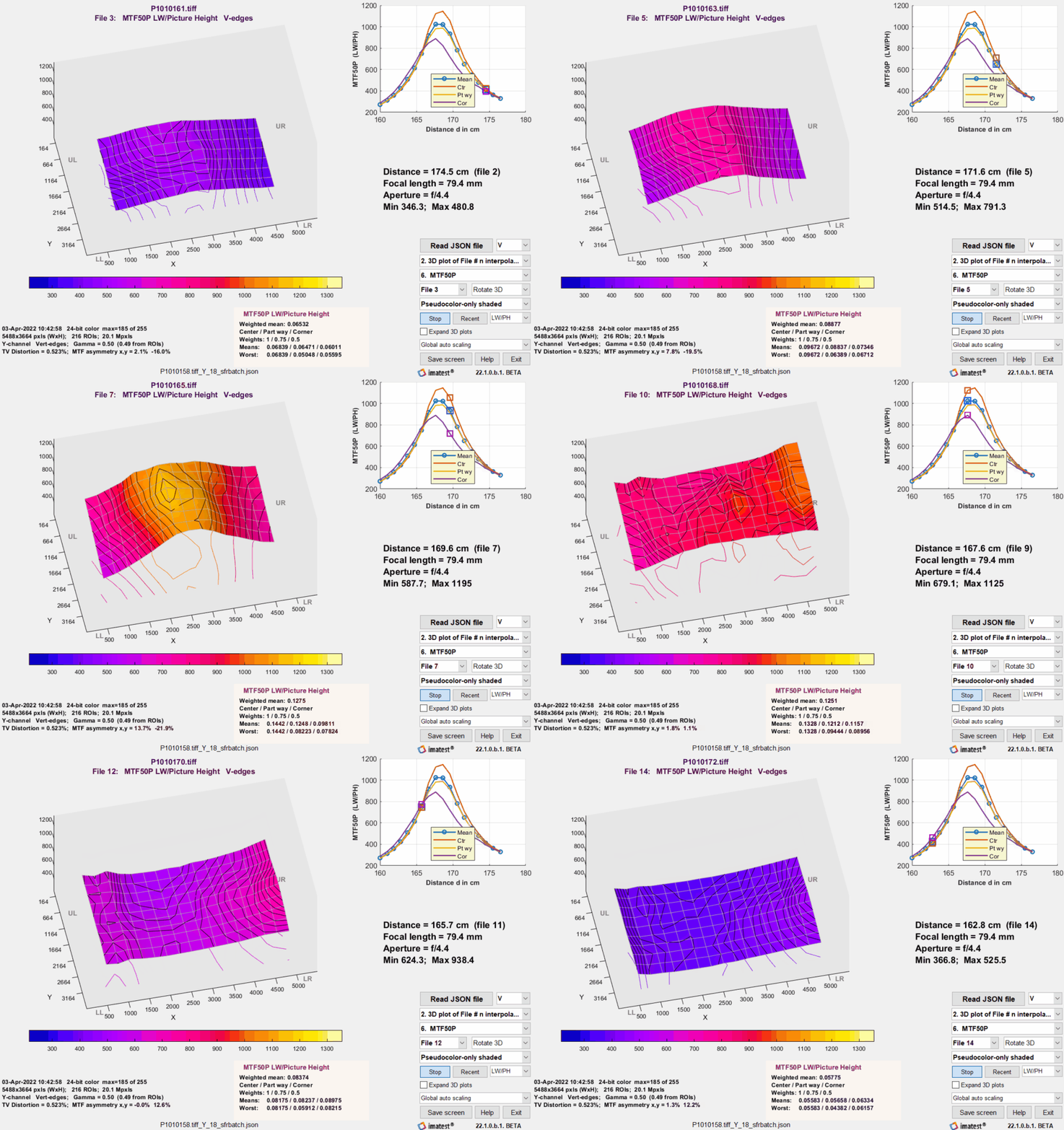
Imatest 22.1 introduces FocusField, a postprocessor for displaying camera test results from batches of images acquired at different distances and/or with different focus settings. FocusField can display Depth of Field, Curvature of field, axial chromatic aberration, and exact lens focal length.
Improved RegMark Detection Controls
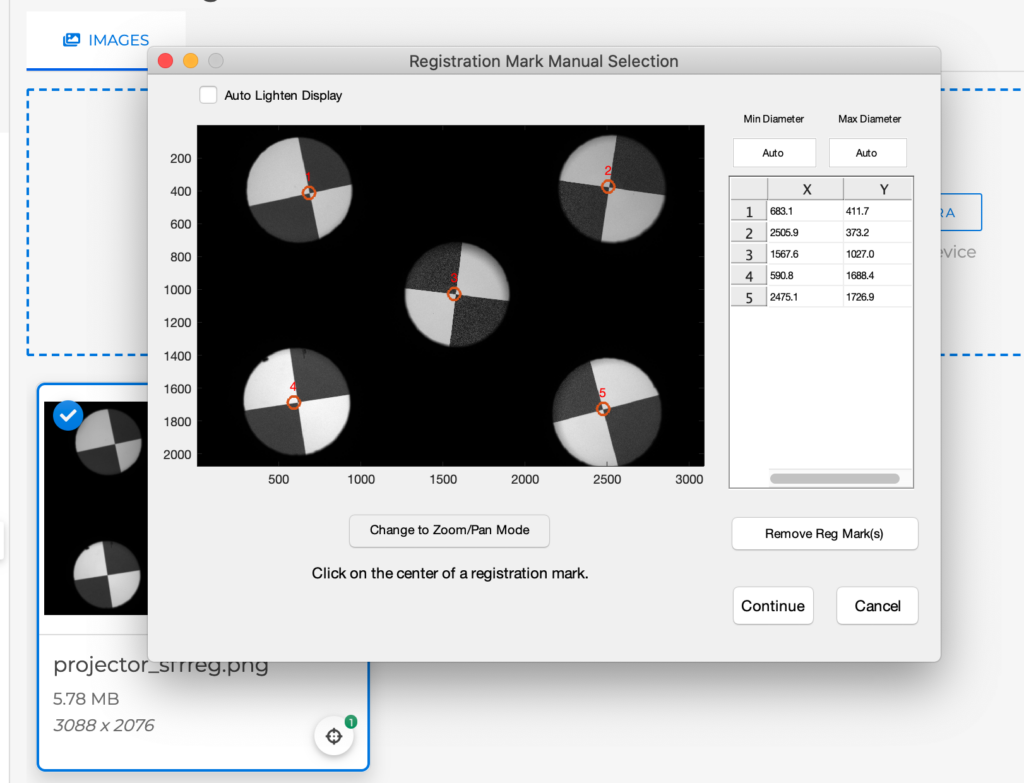
Controls have been added to guide Regmark detection for SFRreg images. This improves detection in situations such as: low-contrast marks, blurry marks, small targets and high noise.
Other New Features
- UI Improvements to the new main window, including Tooltips for Analysis types and IQFs, Full image file path shown, and new image viewing options
- Flat Field Analysis
- Offline floating license server
- OCR image Analysis in Image Statistics
- New Outputs